
Become a Parallel Compression Ninja!
Why a Ninja? Because parallel compression is stealthy and sneaky. You don’t really know it’s there. Things just sound good without the pumping and artifacts of compression. Very cool.
Parallel compression is so cool that it is called “New York Compression.” Because New York City is so cool. Or because it was invented in New York. And as a lifelong New Yorker in the studio scene there, I never heard it called “New York Compression.” Just like I never heard All Buttons In on the 1176 called “British Mode.” I think these things are made up. At the end of this Tip, I will make up a name for something that makes no sense but sounds historical.
SO, parallel compression is taking a channel, or a bunch of channels, and running them via a send or another output through a compressor, squashing things accordingly, and then bringing that up alongside the original channels in the mix. So, there is an UNCOMPRESSED signal along with a COMPRESSED signal. In the old days in New York, you’d have to use a send, or perhaps you’d patch a track to multiple channels, then group the channels and feed them back into the mix using another bus. And it was very complex. These days we just use a DRY/WET Blend knob.
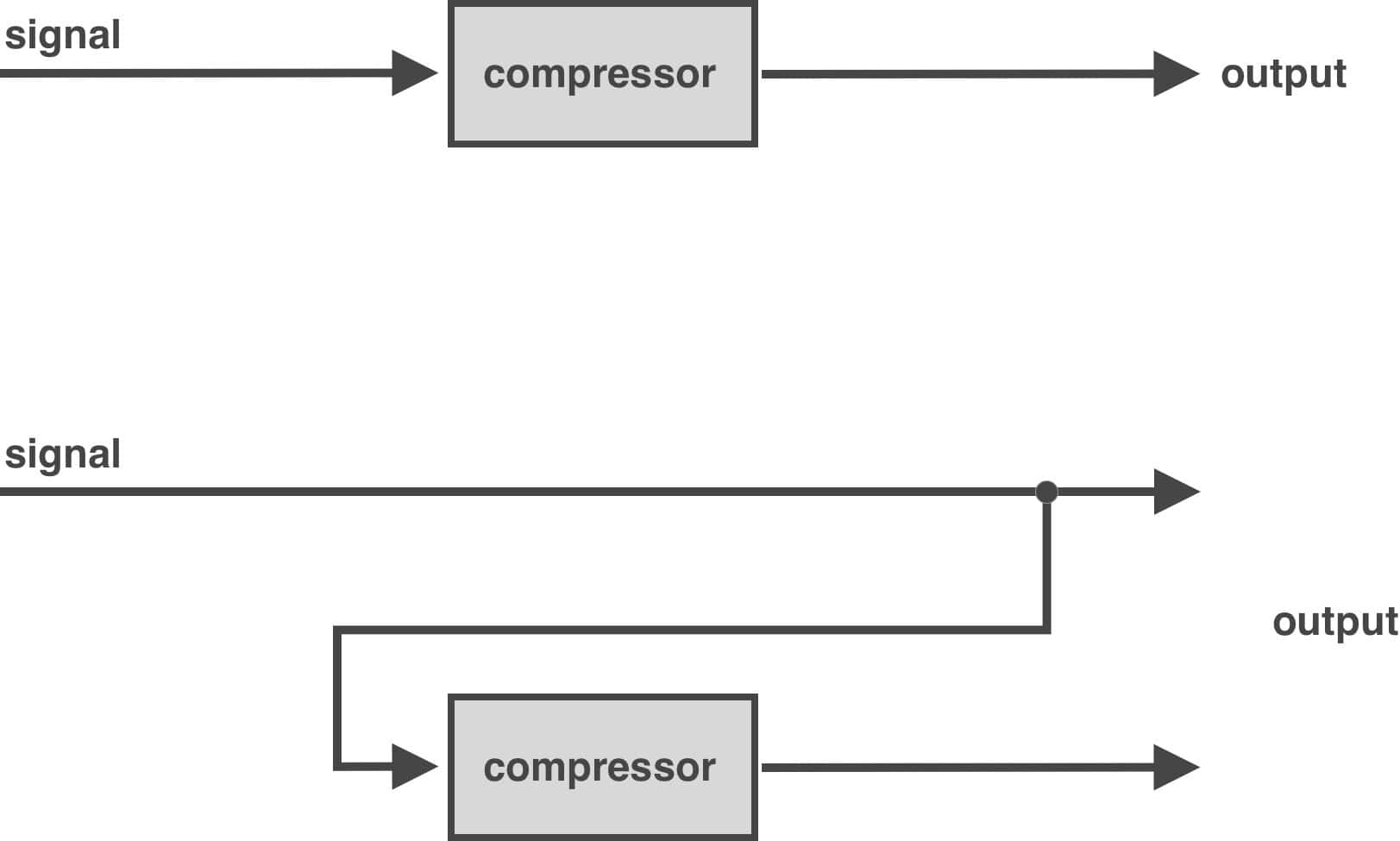
Why would you do this? Because you wanted to heavily process the signal but use just a touch of it in the mix.
Why not just compress it but not so much, you might ask… because… it isn’t that simple. The first thing you need to do is decide if you’re going to compress it or clip it. Because there is a huge difference.
You’re listening to the mix, and the vocals are cool, but… not exciting. Not jumpy and cutting through things. Maybe they sound mumbly in the mix.
Perfect candidate for PARALLEL COMPRESSING them.
Feed the vocal into the KA1776. 8:1 on the ratio. Forget that, make it 12:1 or 20:1. We can compress it hard but because we’re in parallel, we’re going to get rid of some of that compressory sound.
Squash them voxes. Set the RELEASE initially to around 6. Turn the ATTACK counter-clockwise so the transients get through. We want that meter really moving. Go TOO FAR with the compression. Then, grab the DRY/WET blend and turn counter-clockwise until the vocal sounds less compressed but is still jumpy and a little spitty, perhaps. This is a great technique for rap vocals, by the way.
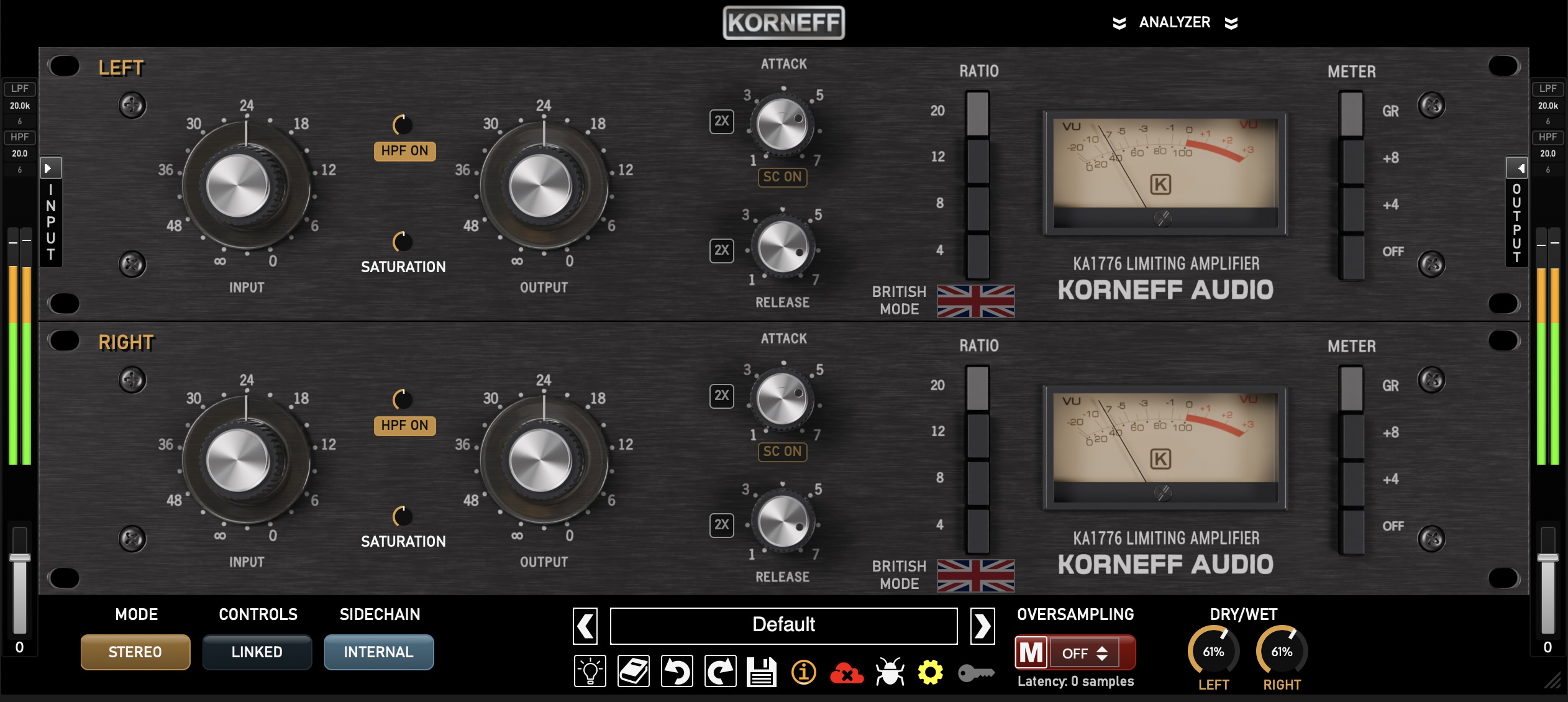
You can parallel compress any track or set of tracks. Bass is inarticulate? Parallel compress to bring out the clarity without making the bass all resonant. This also works great on guitar. Drums too.
Next, you’re listening to the mix, and the drums are lame. They sound good but there’s no presence to them. No bigness. And when you compress them normally, they still seem small and weak.
Perfect candidate for PARALLEL CLIPPING them…
Feed the drum mix into something that clips, like the KA1776. Set it to STEREO LINKED and then grab the mouse and set the ATTACK to OFF—fully counter-clockwise. This disables the compression, and turns the KA1776 into an FET saturation box.
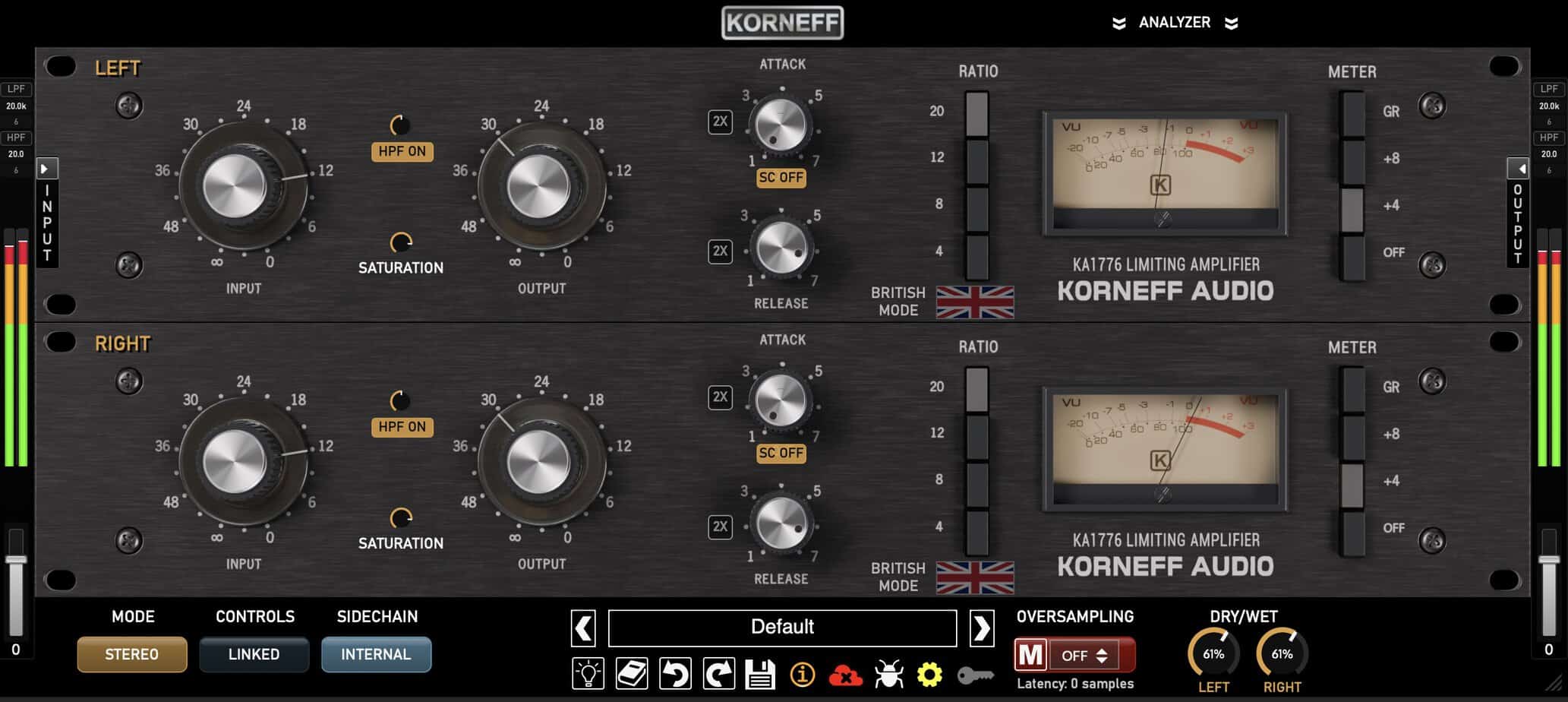
Crank up the input until things start sounding bright and fuzzy. Then, grab the DRY/WET blend and back it down until the drums sound clear but big and present.
Remember that clipping nips the tops of the waveforms off. And when that happens, a lot of harmonic distortion is generated. The more you turn up INPUT, the more saturation you get.
Clipping removes punch, since it removes transients—going back to the Poke/Hang mental model, it gets rid of Poke and increases Hang. Remember too that clipping has an infinitely fast release, so all those quiet things come up, which is where the additional Hang comes from.
Clipping also makes things louder. So, you can use parallel clipping, which is what’s going on here, to increase the LUFS of your mix without it sounding too smashed and artificial.
Obviously, you can do both parallel compression and clipping with the KA1776: turn the saturation knob clockwise. I wouldn’t recommend setting one unit to clip and one to compress serially, because whichever unit does the clipping is going to mangle the transients.
What you’ll need to do is set up multiple instances of the KA1776 and feed them independently of each other.
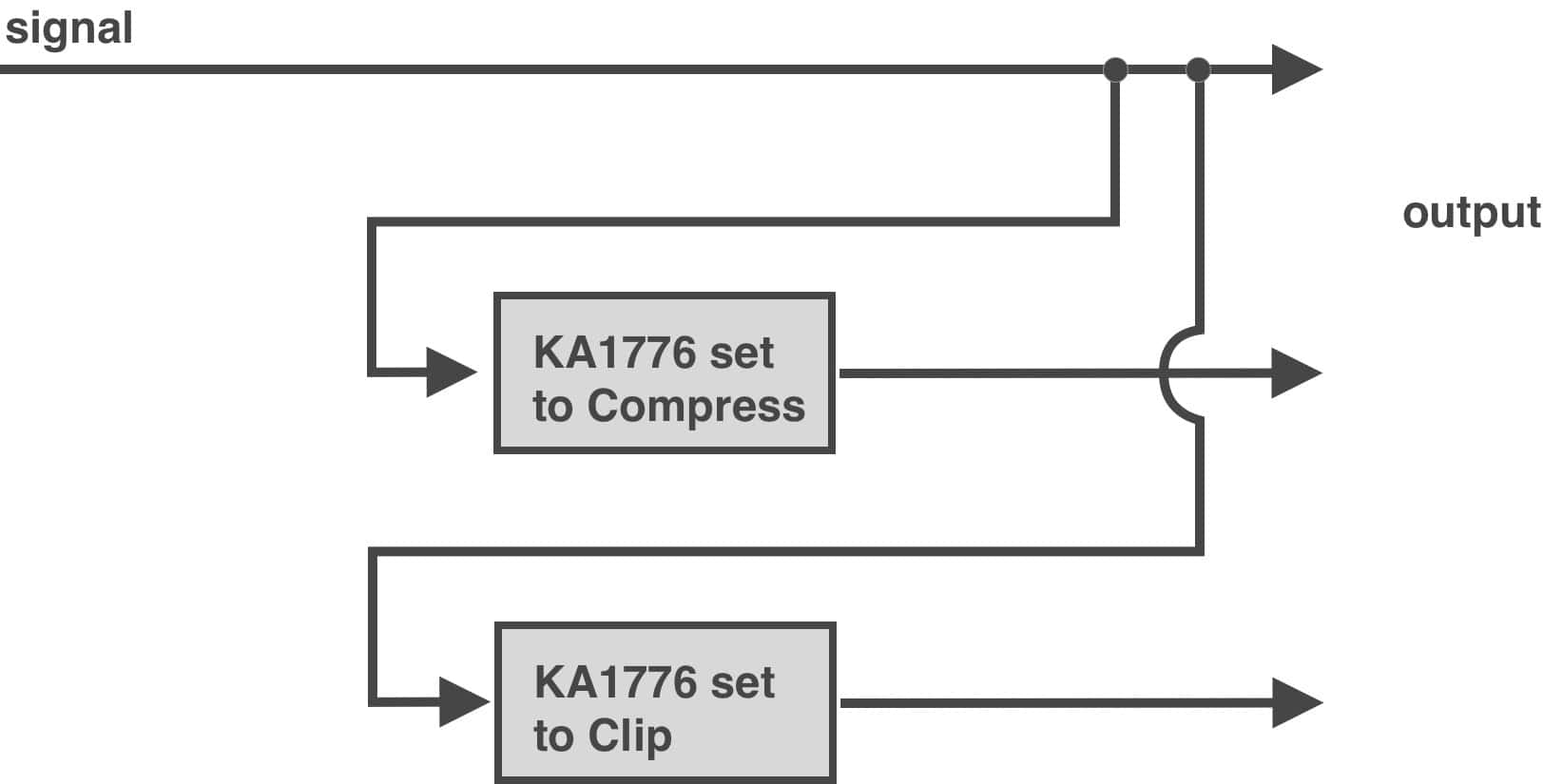
I usually do parallel processing using busses and additional channels rather than using DRY/WET, but there’s no sonic benefit to doing it that way. It’s more I’m old school and I like the additional fine control of faders and the ease of automation. Like, think of raising the parallel compressed channels during certain sections of the song, or parallel compress the room and just bring it up when there are tom fills so they sound extra huge.
I like to have separate parallel compression and parallel clip buses, and then blend the two in the mix. And you can parallel process anything and everything on your mix. If you do it right, you can get things very loud and punchy without sounding overly compressed and processed.
By the way, automating the levels of the parallel compression was invented by Prince at Paisley Park Studios and is called “Minnesota Fattening” after the famous pool player, Minnesota Fats. I am, of course, lying.
Do you feel like a Ninja, sneaking through the mix, stealthily parallel compressing things? Clip and squash… and don’t get caught! New Ninja mission next week!