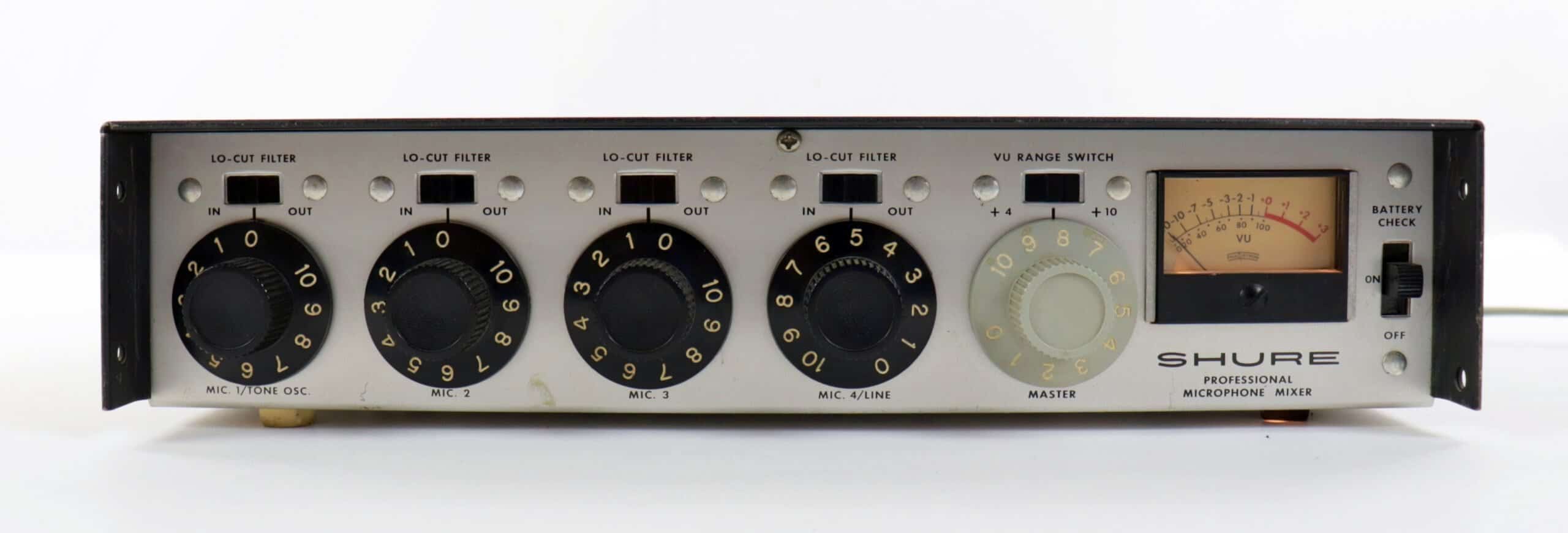
Shure M67 Mic Preamp
A classic, colorful mic preamp that was the sound of Woodstock.
Shure M67 Mic Pre
What the M67 can do for your recordings.
- Perfectly fit vocals into your mix with smooth compressio
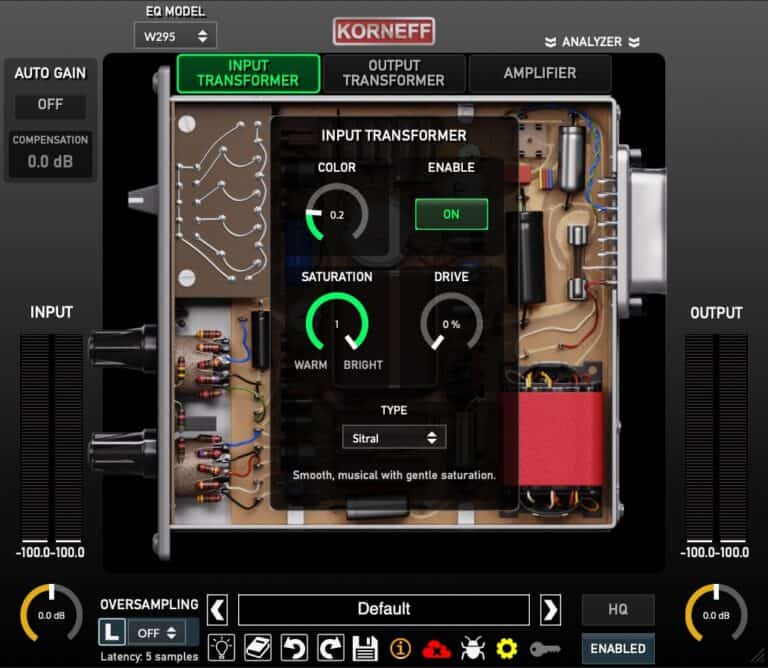
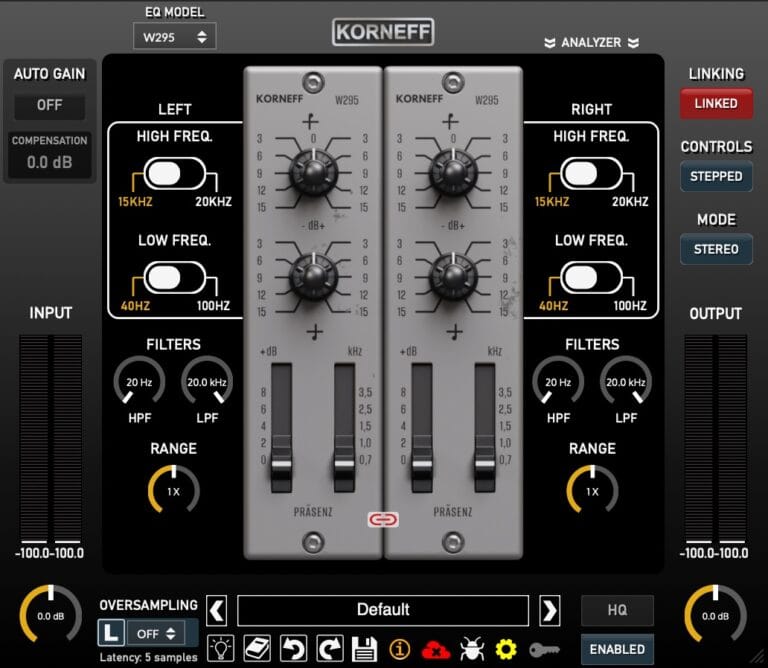
M67 Controls & Signal Shaping
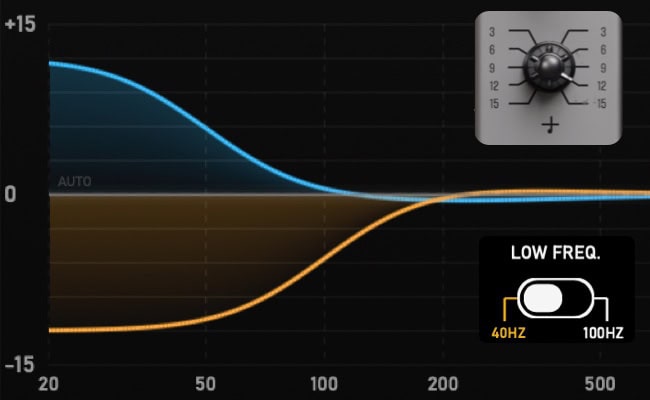
Low Shelves for Huge Bottom End
Get your M67 Mic Pre
Hear the M67 in Action
Vocals
Guitars
Drums
Keyboards
Bass
Fixes
Mixes
Shure M67 works with all major DAWs.













Using the Shure M67
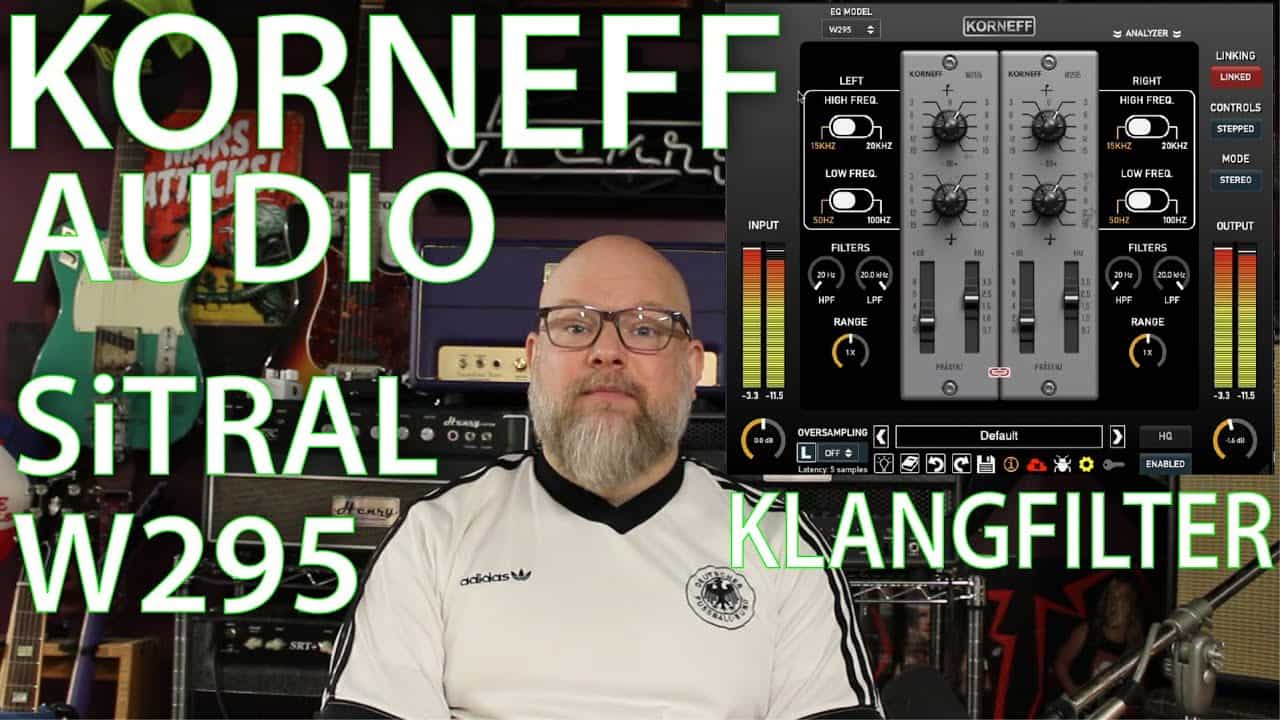
Video: A Short Commercial
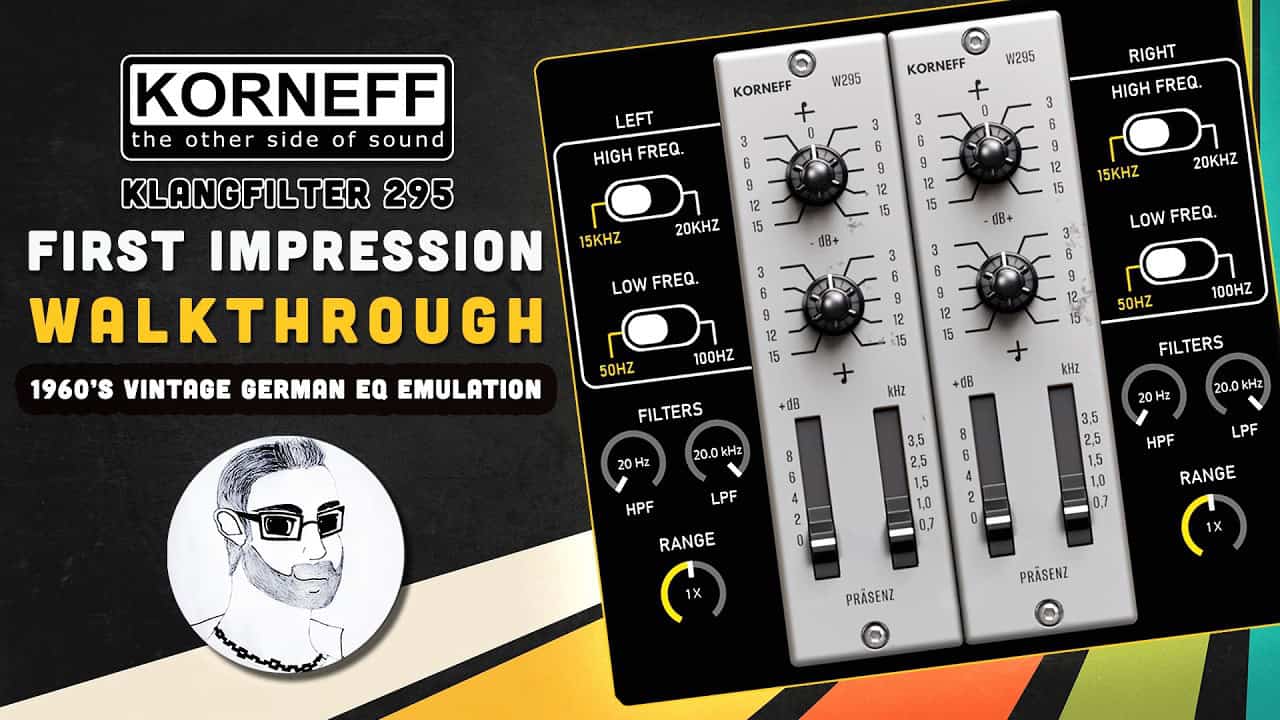
Video: Walkthrough and Review





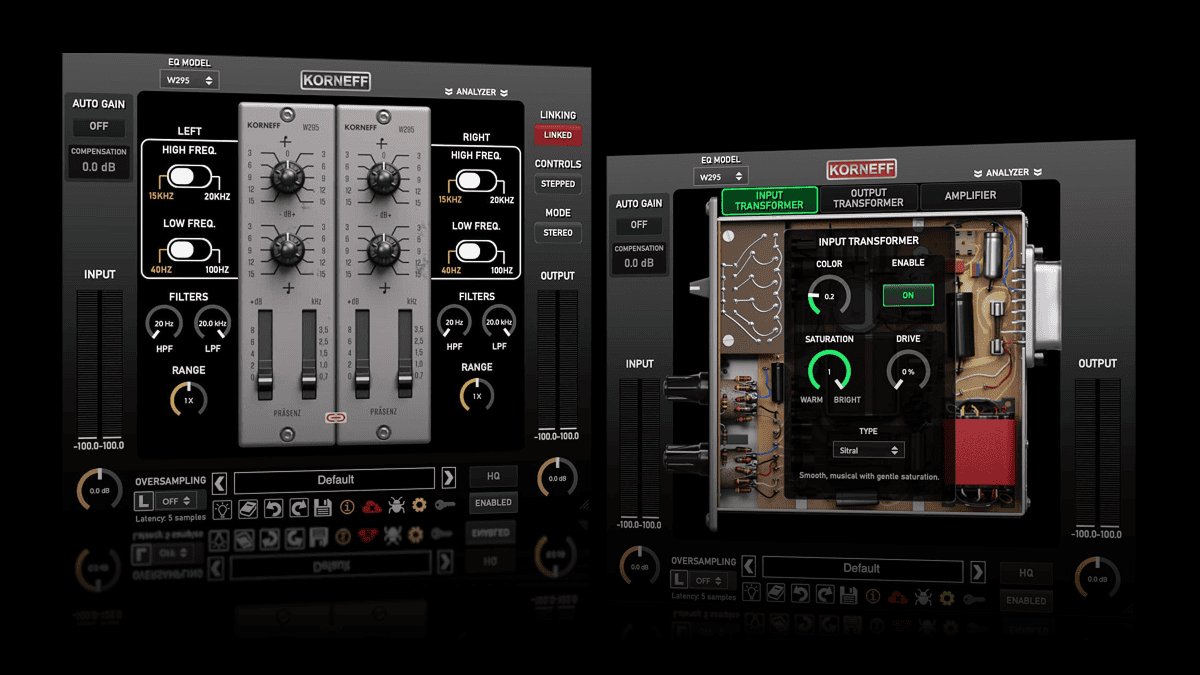
Hear the M67 Magic for Yourself
Shure M67 Mic Preamp Reviews by Users
One of the most musical EQs that I have ever used. Instant mojo, there are no bad settings. One of the best plugins I have ever dropped on a track by far!
I've very successfully used the W295 on my last two mastering projects... Immense character ( in the best sense of the word), ALWAYS musical. I especially like the 20k shelf. Honestly. I can't find a bad setting. I LOVE it!
3 EQs in 1!! It gives such a rich analog character (rear panel) to the tracks that I want to use it everywhere...even with a flat EQ. I mostly use it in Model A...the adjustable tilt is so musical 🙂
Subtle and potent!
My new fave EQ, didn't even think I needed another in my toolbox but wow, this thing rocks. Tone for days, style for miles. Can't wait to see what these guys come up with next.
I got this plugin and immediately put it on the master buss for a live jazz record I was finishing up. I would suggest adjusting the input and output transformers, and the amplifier first. This really helped me bring focus to the overall picture and minimize the amount of EQ I needed afterwards. It worked […]
Thank you!! My dear old 295a has come back in digital form and feeling as alive and real and plain gorgeous - what a feat indeed and i can only guess how much blood sweat and tears it took you to get there. After many years with the 295a, a Filtek EQ, Siemens V276 and […]
Best 295 plugin out there, superior to all competitors!
I didn't think I was in the market for yet another EQ, but then I demo'd SITRAL. This thing is magical. Try it on overheads - it sounds more like adjusting faders for kit pieces than just boosting an EQ range. I put it head-to-head with the competition, and this is on another level.
The vocal track I had it on was a little heavy in character and Sitral instantly took that weight off and brought it forward, with a little extra love on the high end. I loved it. What makes Sitral even more special are the back panel options. Here is where I found a little sonic […]
First off, plugins aside, as a disabled veteran I am very grateful to Dan and the entire Korneff team for offering these amazing plugins free to veterans! I appreciate the opportunity to access tools I may not otherwise be able to afford. Now a few words on the SITRAL W295. This EQ is not like […]
These three EQs are worth their weight in gold... my first thought was: they'll be amazing for mastering! My second thought is that it doesn't stop there... it's impossible to go wrong when adjusting the knobs... you get different results, but never bad ones.
Korneff Plugin Licensing

Software Based

Four Activations

Connections
SOFTWARE REQUIREMENTS: Shure M67 Mic Preamp



Minimum System Requirements
- Intel, AMD or Apple Silicon i5 quad core processor
- 4GB of RAM
- Mac OSX 10.14 or later
- Windows 7 & Above
- Linux minimum: Ubuntu 18.04 LTS or equivalent (x86-64)
- Linux recommended: Ubuntu 20.04 LTS or later, Debian 11+, Fedora 36+, or any modern distribution using glibc ≥ 2.28
- Screen res: 1024 x 768 or higher



Supported Plugin Formats
- Mac 64bit: VST3, AU, AAX
- Windows 64bit: VST3, AAX
- Linux 64bit: VST3, LV2