
Amplified Instrument Processor 04 - Dynamic compression for fixing muddy buildup and other issues
The AIP is never ending, isn't it?
Ok, we did the PSP, then the filters, then cleaned up the highs with the IMF, and now.... the lows using the FDR, or FREQUENCY DEPENDENT REDUCTION.
The FDR
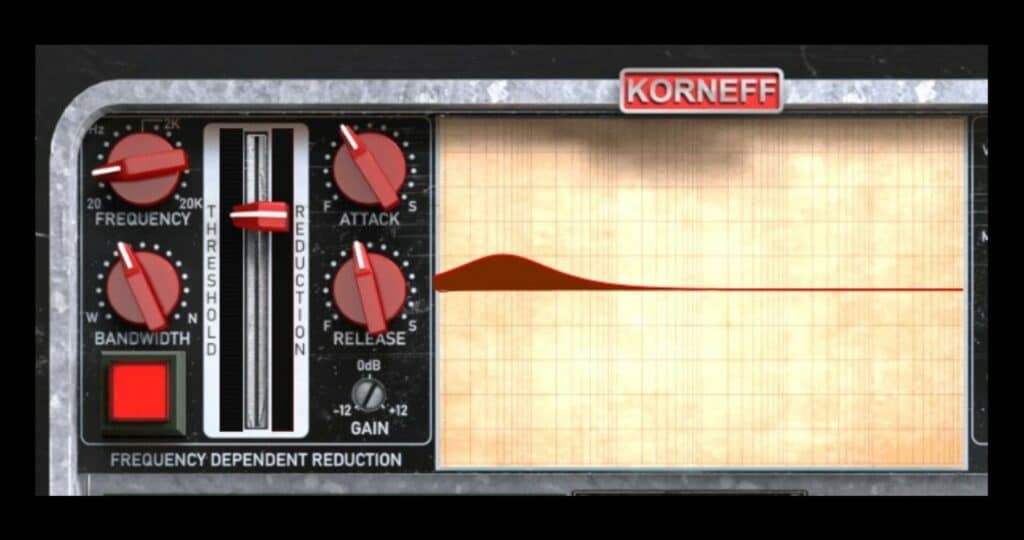
This is a compressor that cuts at a specific frequency, or an EQ with a threshold - however you wish to think of it.
Think of it as a way of cutting frequencies but only when they get loud and annoying. It was added to the AIP to reduce all the woof and mud caused by chugging guitar parts, and it works great for that, but it, of course, can do so much more than that.
Very often real instruments (and synthetic instruments) have resonances caused by the body (acoustic guitars I'm looking at you) or the room (piano!). When we hear an instrument all by itself, our ear integrates the resonance into the overall sound of the instrument and doesn't really notice it. When that instrument is in a mix, though, you'll start to hear the effect of that resonance, if not the resonance itself.
So, if you're mixing and you have a track, and if you put it where it should be in the mix, it seems too quiet and lost. But if you bring it up, it seems to get stupidly big suddenly and very dominant. This is a good indicator that there's a resonance situation going on.
Go around to the back by clicking on the Korneff Audio nameplate and turn on the FDR.
Using It
Pull down the slider until you see a little bit of gain reduction happening on it. Then move the FREQUENCY control. Look at the gain reduction meter, and watch for when it really jumps — that is where the resonance is.
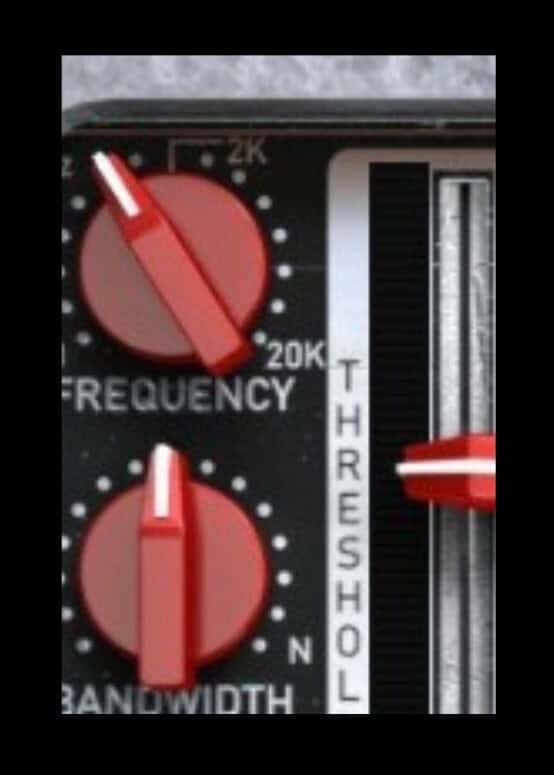
I'll start to pull in the BANDWIDTH a bit, adjust the FREQUENCY, and try to find the epicenter of the problem. Once I think I have it, I'll adjust the slider a touch, trying to get it to light up when things are resonant.
The FREQUENCY will depend on the range of the instrument. It will typically be in the 150 to 400 range for guitars and lower keyboard parts, lower than that for bass, and in the 500 to 2kHz range for voices.
On voices, listen for a honky sound in the midrange and use the FDR to push that down a bit.
I use the FDR on everything, but especially acoustic guitars and vocals cut too close to the mic.
I've been writing a bit on this. When you record vocals too close to the mic, you typically get too much low mids due to proximity effect, and while the vocal sounds fine by itself, it's a bit and a half to sit it in the mix.
The FDR is a nice fixer for this.
ATTACK and RELEASE...
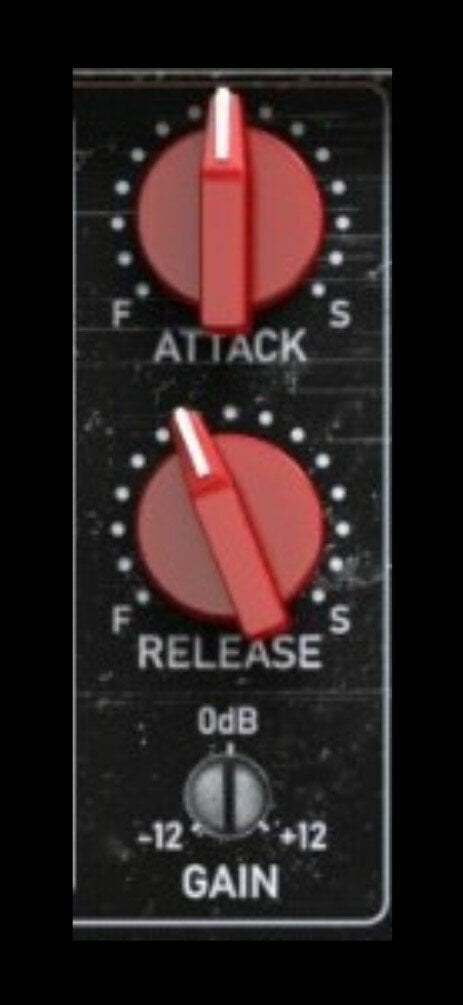
The ATTACK control isn't particularly critical on the FDR for me, so I usually leave it in its default or I set it a little slower, if I find there's a loss of high end.
The RELEASE is more critical. Set it too short and you'll hear a sort of breathing sound; set it long, and the whole shebang starts sounding dull.
The key with setting releases on all compressors is to set it musically. You want the compressor responding in a musical way to the signal. So, watch the gain reduction and make sure it is moving in a way that correlates to what you're hearing.
If you're confused by it, just set it at 12:00 and get on with your life. It's just a release control.
The FDR will de-ess, and it does it well. Set the FREQUENCY at around 4kHz, the BANDWIDTH to about 2:00, and get jiggy with the THRESHOLD reduction fader. You're looking for this thing to kick on when there's an S or a plosive (a P) on a vocal. This also works well to minimize pick noises, hand squeaks, etc.